Google Play Pass Review: Is It Worth It for Mobile Gamers?
An honest Google Play Pass review for US players — what you get, how it works with family sharing, the best games included, and who should skip it.
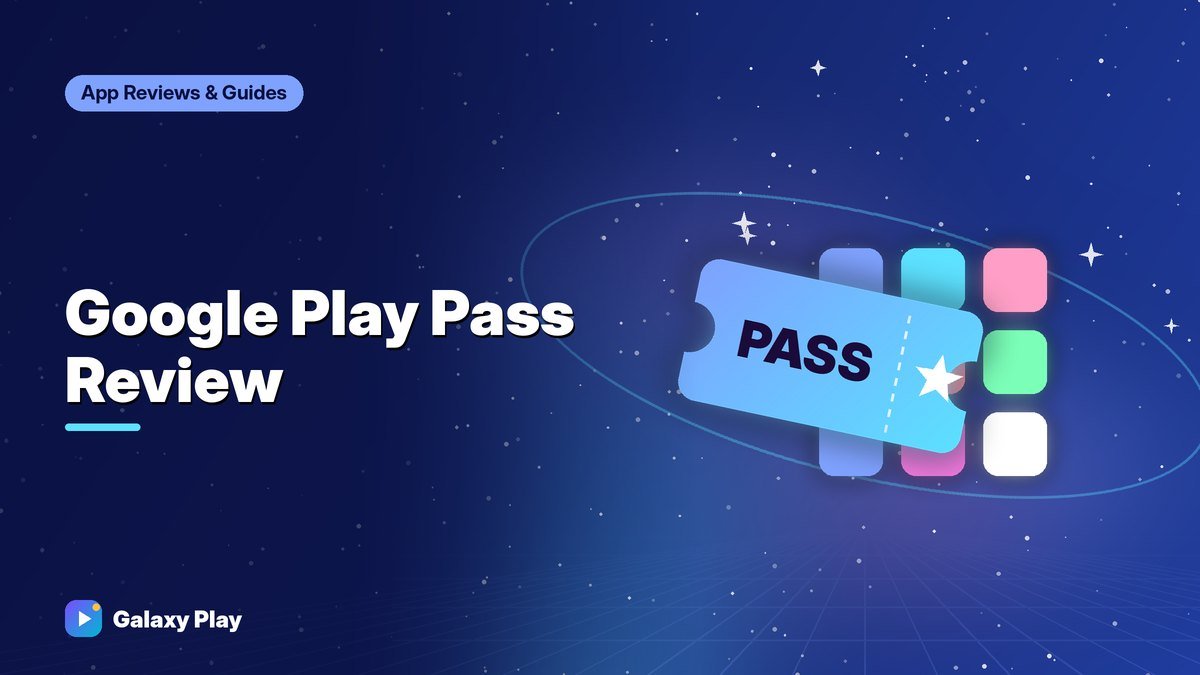
Google Play Pass is a subscription that unlocks a large catalog of games and apps on Android without ads or in-app purchases. It’s been called “Netflix for mobile games,” but that comparison only goes so far. After using it for a long stretch, here’s our honest take on who it’s great for — and who should save their money.
How Google Play Pass works
When you subscribe, games and apps in the Play Pass catalog become fully unlocked:
- Paid games become free to download while you’re subscribed.
- Free games included in Play Pass have their ads removed.
- In-app purchases in included titles are unlocked or removed, depending on the game.
Play Pass titles are marked with a ticket-style badge in the Play Store, and there’s a dedicated Play Pass section. You can find it by searching for “Play Pass” in the Play Store.
How much it costs
Play Pass is billed monthly or annually. Google often runs free trials and discounts, and pricing can change, so check the Play Store for current US pricing before you subscribe. Annual billing usually works out cheaper than paying monthly.
Family sharing
One of Play Pass’s best features is that the subscription can be shared with up to five other family members through your Google family group, at no extra cost. Each person gets their own access on their own device. For a family with kids who play games, this can turn a modest monthly price into very good value.
What’s in the catalog
The catalog includes hundreds of titles and rotates over time. You’ll typically find:
- Premium indie games like puzzle adventures, roguelikes, and platformers
- Popular casual games without ads
- Kids’ games that are ad-free
- Utility apps like photo editors and productivity tools
The catalog does not typically include the biggest free-to-play hits like competitive shooters or gacha games, because those depend on in-app purchases.
Tip: Before subscribing, browse the Play Pass section and make a list of games you’d actually play. If you find fewer than three or four, buying those games outright might be cheaper.
What we liked
- No ads, no pressure. Playing ad-free versions of casual games is a huge improvement.
- Great for discovery. You can try premium games you’d never buy on a whim.
- Family sharing. One subscription covers the household.
- Kids-friendly. Fewer ads and purchase prompts in kids’ games.
What we didn’t like
- Games can leave the catalog. Titles rotate, so a game you love may disappear. You can still buy it separately.
- Progress after canceling. If you cancel, Play Pass games lock again until you subscribe or buy them. Your save data usually remains on the device or in the cloud, but check each game.
- Not for big free-to-play fans. If you mostly play competitive or gacha games, Play Pass won’t change much for you.
Who should get Google Play Pass
| You should consider it if… | You might skip it if… |
|---|---|
| You enjoy indie and premium games | You only play one or two big free games |
| You have kids who play casual games | You rarely install new games |
| You hate ads in free games | You prefer owning games permanently |
| You can share it with family | You’re on a tight monthly budget |
How to subscribe and cancel
To subscribe: Open the Play Store, search for “Play Pass,” and follow the prompts.
To cancel: Open the Play Store, tap your profile picture → Payments & subscriptions → Subscriptions, choose Google Play Pass, and tap Cancel subscription. You keep access until the end of your billing period. Our guide to managing subscriptions covers this in detail.
Our verdict
Google Play Pass is excellent value for families and for anyone who likes trying premium and indie games without ads. If you mostly play one big free-to-play title, it’s not for you. Take advantage of a free trial if one is offered, use it fully during that time, and set a reminder to decide before it renews.
Spotted something out of date? Apps change fast. Let us know and we’ll review the guide.