Cloud Gaming on Android: How It Works and Which Service to Try
Play console and PC games on your Android phone with cloud gaming. Compare services like Xbox Cloud Gaming and GeForce NOW, and learn what internet speed you need.
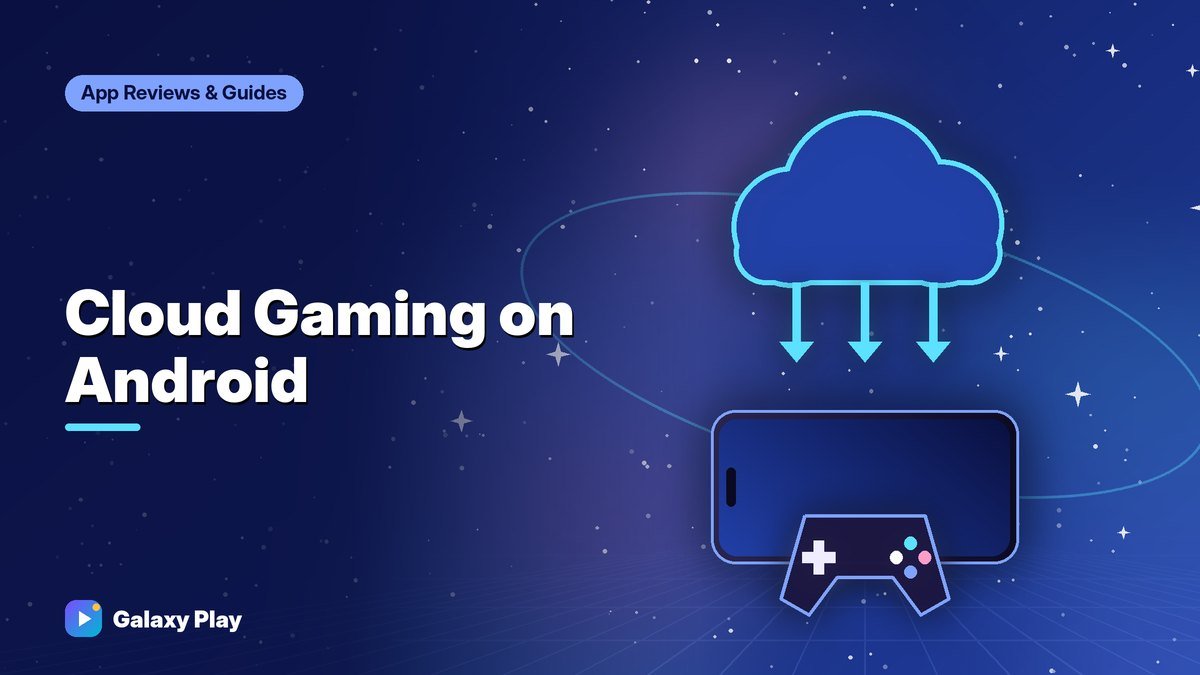
Cloud gaming lets you play big console and PC games on your Android phone without downloading them. The game runs on a powerful server, and video streams to your phone while your button presses travel back. When it works well, it feels like magic. Here’s how it works, what you need, and which services are worth trying.
How cloud gaming works
- You choose a game in a cloud gaming app or website.
- A remote server starts the game.
- The server streams video to your phone, like a live video call.
- Your controller or touch inputs travel back to the server instantly.
Because the server does the heavy lifting, even a budget phone can play demanding games — as long as your internet connection is fast and stable.
What you need
- A fast, stable internet connection. Most services recommend at least 15–20 Mbps for HD streaming, and more for higher quality.
- Low latency (ping). Stability matters more than raw speed.
- 5 GHz Wi-Fi or a strong 5G signal. Crowded 2.4 GHz Wi-Fi often causes stutter.
- A controller. Many cloud games are designed for controllers. Some offer touch controls, but a controller is much better. See our guide to the best phone controllers.
Tip: Run a speed test before playing. If your connection drops below what the service recommends, lower the stream quality in settings to reduce stutter.
Popular cloud gaming services
Plans, prices, and supported regions change frequently, so check each service’s website for current details.
Xbox Cloud Gaming
Available with eligible Xbox Game Pass plans. You can stream hundreds of games from the Game Pass library, and some games you own may also be streamable. On Android, it can be played through a web browser at the official Xbox play website, and many games support touch controls as well as controllers.
NVIDIA GeForce NOW
GeForce NOW streams PC games you own from stores like Steam and Epic Games Store. It offers a free tier with limits and paid tiers with better performance and longer sessions. It has an official Android app.
Amazon Luna
Amazon’s service offers games through its own channels and subscriptions, with some games included for Prime members at times. Availability varies by region.
Remote play from your own console or PC
Apps like PS Remote Play and Steam Link stream games from your own PlayStation or gaming PC at home to your phone. Unlike cloud services, they use your own hardware, so there’s no subscription — but your console or PC must be on, and quality depends on your home network.
Cloud vs. native mobile games
| Cloud gaming | Native mobile games | |
|---|---|---|
| Game library | Console and PC games | Mobile-designed games |
| Storage needed | Almost none | Can be large |
| Internet | Required, fast and stable | Often optional |
| Data usage | High | Usually low |
| Input delay | Some, depends on connection | Minimal |
Watch your mobile data
Streaming games uses a lot of data — often several gigabytes per hour at high quality. If you play on mobile data, lower the streaming quality, check your plan’s limits, and prefer Wi-Fi whenever possible.
Tips for a smoother stream
- Sit closer to your router or use a mesh Wi-Fi system.
- Pause other downloads and streams on your network.
- Turn on your phone’s Do Not Disturb so notifications don’t interrupt the stream.
- Try a different server region if the service lets you choose.
Our guide to lowering ping in mobile games has more connection tips that help cloud gaming, too.
Cloud gaming isn’t perfect, but with a good connection and a controller, it turns your phone into a portable console. Try a free tier or trial first to see how well it works on your network.
Frequently asked questions
Does cloud gaming work on mobile data?
It can, with a strong 5G or LTE signal, but it uses a lot of data and may stutter as the signal changes. Wi-Fi is more reliable.
Do I need a powerful phone for cloud gaming?
No. Because the game runs on a remote server, even budget phones can stream games. A good screen and a stable connection matter more.
Is there a free cloud gaming option?
Some services, like GeForce NOW, have free tiers with limits on session length and quality. Others require a subscription.
Spotted something out of date? Apps change fast. Let us know and we’ll review the guide.