Which App Permissions Do Games Really Need? An Android Privacy Guide
Should a puzzle game access your contacts or location? Learn which Android permissions games actually need, how to review them, and how to protect your privacy.
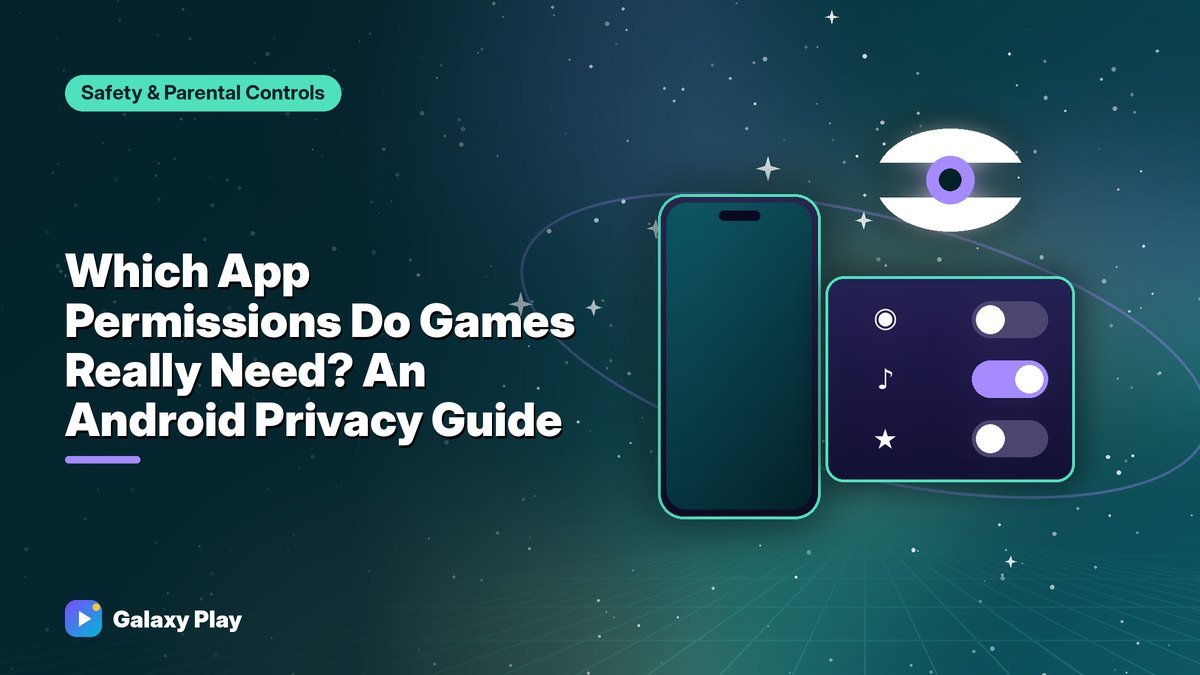
When you install a game, it may ask for permissions — access to your location, microphone, camera, contacts, or files. Some requests make sense. Others don’t. Android gives you full control, and a few minutes of review can protect a lot of personal information.
How Android permissions work
Modern Android versions ask for sensitive permissions when an app needs them, not just at install. You can choose:
- Allow (or While using the app)
- Only this time
- Don’t allow
You can change any permission later in Settings → Apps → [app] → Permissions.
Which permissions games actually need
| Permission | When it makes sense | Red flag if… |
|---|---|---|
| Location | Location-based games like Pokémon GO | A puzzle or card game asks for it |
| Microphone | Voice chat in multiplayer games | A single-player game asks for it |
| Camera | AR features, scanning QR codes | No camera feature exists |
| Nearby devices / Bluetooth | Controllers, local multiplayer | Not needed for basic play |
| Notifications | Game alerts (your choice) | — |
| Contacts | Rarely needed | Almost always unnecessary |
| Phone / SMS | Almost never needed for games | A big red flag |
| Files and media | Saving screenshots, importing content | Full access without a clear reason |
Most games need no special permissions at all beyond internet access, which Android grants automatically.
Tip: Choose “Only this time” or “While using the app” for location and microphone. A game rarely needs them in the background.
Review permissions with Privacy Dashboard
On Android 12 and newer, the Privacy Dashboard shows which apps accessed your location, camera, and microphone in the last 24 hours (and longer on newer versions). Find it in Settings → Security & privacy → Privacy or by searching Settings for “Privacy dashboard.”
If a game accessed your microphone or location when you weren’t using those features, revoke the permission.
Use Permission Manager
Permission Manager lists every app that has each permission:
- Open Settings and search for Permission manager.
- Tap a permission, such as Location or Microphone.
- Review the list and remove access for apps that don’t need it.
Let Android remove unused permissions automatically
Android can automatically remove permissions from apps you haven’t used in a while. Check that this option is on in each app’s settings — look for Pause app activity if unused or Remove permissions if app isn’t used.
Check the Data safety section before installing
Every Google Play listing has a Data safety section where developers describe what data their app collects and shares. Read it before installing, especially for kids’ games. It shows whether data is encrypted and whether you can request deletion.
Location-based games
Games like Pokémon GO need your location to work. To protect privacy:
- Use While using the app instead of Allow all the time, unless you rely on background features like step tracking.
- Consider turning off Precise location when it isn’t needed.
- Be thoughtful about sharing your exact location publicly in social features.
For parents
Family Link lets parents review and manage permissions on a child’s device. Turn off location, microphone, and camera access for games that don’t need them. See our Family Link setup guide.
When to uninstall
Consider deleting a game if:
- It requests permissions unrelated to its features and won’t work without them
- It accessed your microphone or camera unexpectedly
- Its Data safety section shows broad data sharing you’re uncomfortable with
There are always alternatives that respect your privacy.
Take five minutes to review permissions today. Your games will work just as well, and your personal information will stay where it belongs: with you.
Frequently asked questions
Can a game work if I deny permissions?
Most games work fine without optional permissions. Some features may stop working, like voice chat without microphone access.
Is it safe to give a game location access?
For location-based games like Pokémon GO, yes. Choose “While using the app” and consider turning off precise location when it isn’t needed.
How do I know which apps used my microphone?
Open the Privacy Dashboard in Settings to see recent microphone, camera, and location access by app.
Spotted something out of date? Apps change fast. Let us know and we’ll review the guide.